We use cookies to make your experience better.
To comply with the new e-Privacy directive, you agree to the privacy policy and our use of cookies.

Monitor Mounts & Stands

Shop By
-
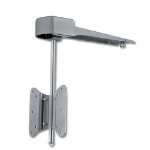
Lindy 40713 TV mount Grey
Under Kitchen Cabinet LCD Mount -
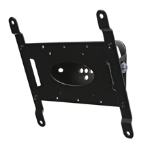
B-Tech Flat Screen Wall Mount with Tilt (VESA 200)
Flat Screen Wall Mount with Tilt (VESA 200) -
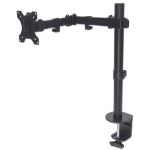
Manhattan Desk Mount for TV & Monitors (Full Motion), For screens 13" to 27", Clamp fitting to desk, VESA compatability: 75x75mm and 100x100mm - check the dimensions of the four mounting holes on back of screen to ensure it fits, Max 8kg, Bracket, Lifetim
Desk Mount for TV & Monitors (Full Motion), For screens 13" to 27", Clamp fitting to desk, VESA compatability: 75x75mm and 100x100mm - check the dimensions of the four mounting holes on back of screen to ensure it fits, Max 8kg, Bracket, Lifetime Warranty -
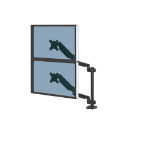
Fellowes Platinum Series Dual Stacking Monitor Arm - Monitor Mount for Two 8KG 27 Inch Screens - Adjustable Dual Monitor Desk Mount - Tilt 45° Pan 180° Swivel 360° Rotation 360°, VESA 75 x 75/100 x 100 - Black
Fellowes Dual Stacking Monitor Arm - Platinum Series Monitor Mount for Two 8KG 27 Inch Screens - Adjustable Dual Monitor Desk Mount - Tilt 45° Pan 180° Swivel 360° Rotation 360°, VESA 75 x 75/100 x 100 - Black -
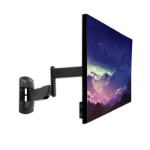
Lindy Single Adjustable Wall Mounted Display Mount
Single Adjustable Wall Mounted Display Mount -
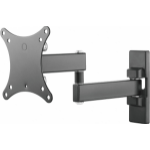
Vision VFM-WA1X1B monitor mount / stand 68.6 cm (27") Black Wall
Black Monitor Wall Arm 100×100 -
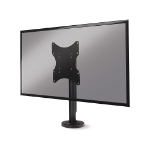
Lindy Single Display Fixed Desk Mount
Single Display Fixed Desk Mount -
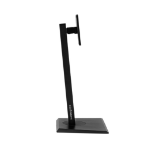
Hannspree 80-04000014G000 monitor mount / stand 71.1 cm (28") Desk
23.6" - 28", 4 kg, VESA -
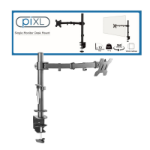
piXL SINGLE ARM monitor mount / stand 68.6 cm (27") Black
Single Monitor Arm Desk Mount -
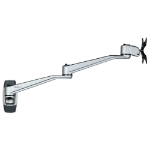
StarTech.com Wall Mount Monitor Arm - Articulating Ergonomic VESA Wall Mount Monitor Arm - 20" (52cm) Long - Single Display up to 34 inch - Swivel/Tilt/Rotate - Adjustable Screen Mount
StarTech.com Wall Mount Monitor Arm - Articulating Ergonomic VESA Wall Mount Monitor Arm - 20" (52cm) Long - Single Display up to 34 inch - Swivel/Tilt/Rotate - Adjustable Screen Mount (ARMWALLDSLP)